Adding areaServed schema markup to your website helps search engines understand the geographical areas your business serves. This tutorial covers how to implement the markup using JSON-LD, when to use each method, and best practices for getting the most out of areaServed for local SEO.
What Is AreaServed Schema?
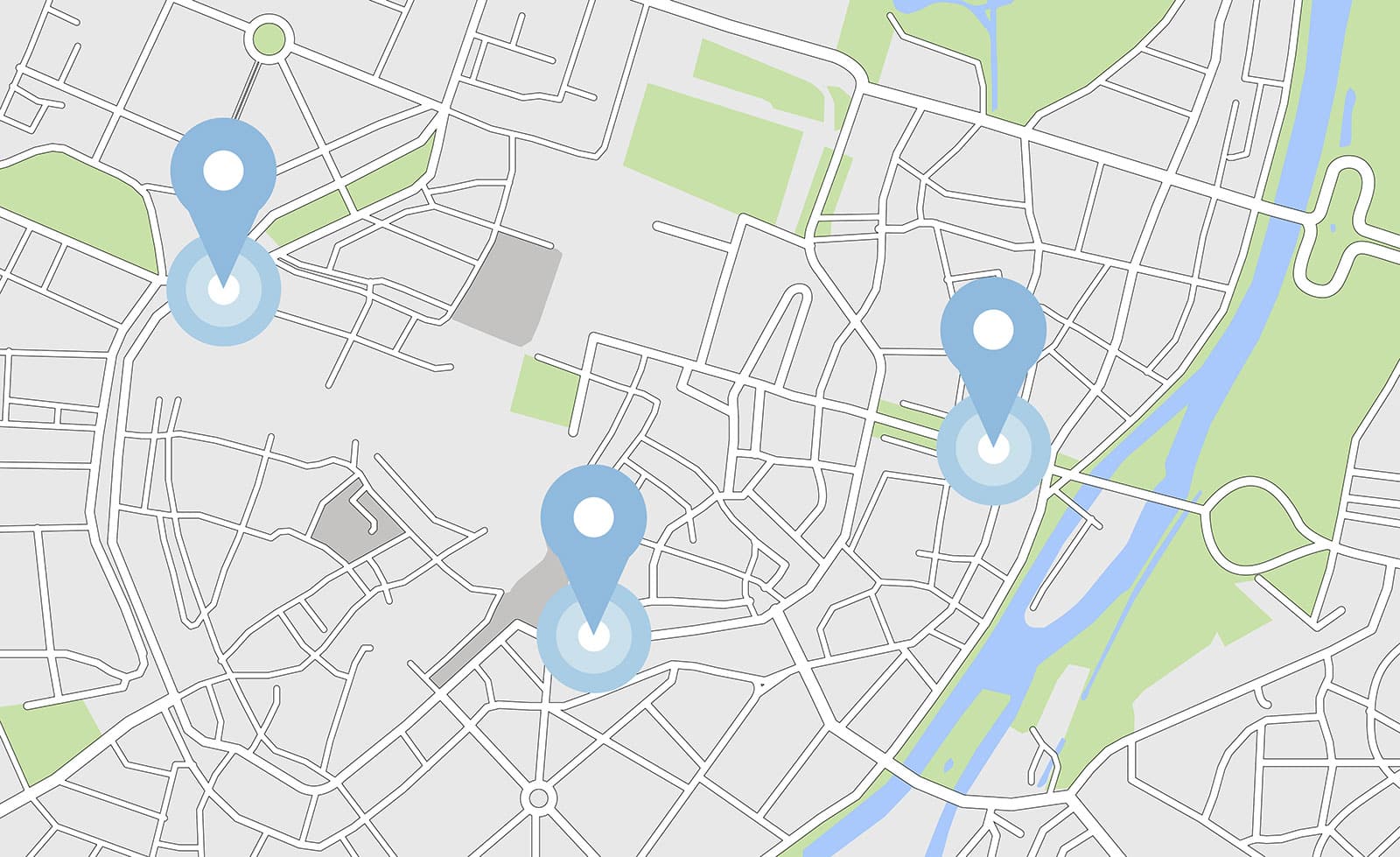
The areaServed property is structured data defined by Schema.org as “the geographic area where a service or offered item is provided.” By adding this markup to your website, you give search engines explicit context about where your business operates, which can help your site appear in relevant local search results and improve the accuracy of your Google Maps listing.
AreaServed works within several schema types, including LocalBusiness, Organization, and Service. Any subtype of these (such as ProfessionalService, MedicalClinic, or HomeAndConstructionBusiness) also supports the property.
Who Should Use AreaServed Schema?
You should use areaServed schema if you run a service-area business (SAB), meaning any business that travels to the customer rather than the customer coming to you. Common examples include:
- Plumbers, electricians, landscapers, and roofers
- Mobile cleaning services and pest control
- Restaurants, florists, or shops that offer delivery to specific zip codes or cities
- Home health providers and mobile medical services
If you are a physical storefront that customers visit (like a coffee shop or retail store) and you do not deliver or travel to customers, you should not use areaServed. The standard address property is sufficient in that case.
Implementation Methods
There are three main ways to define your service area using areaServed markup. The right approach depends on how your business operates and how specific you need to be about the areas you cover.
Method 1: City or AdministrativeArea (Text Type)
The simplest approach is listing each individual suburb, city, or region your business serves. This method uses the City or AdministrativeArea type and links each location to its Wikipedia page via the sameAs property.
"areaServed": [
  {
    "@type": "City",
    "name": "Ottawa",
    "sameAs": "https://en.wikipedia.org/wiki/Ottawa"
  },
  {
    "@type": "City",
    "name": "Toronto",
    "sameAs": "https://en.wikipedia.org/wiki/Toronto"
  }
]
You can list multiple values by wrapping them in an array. Each entry is a separate object in the array. Note that areaServed does not accept multiple values comma separated as a plain text string. Each area needs its own object.
For areas that are not technically cities (such as census-designated places, unincorporated communities, or territories), use the AdministrativeArea type instead and link to the relevant Wikipedia page:
"areaServed": [
  {
    "@type": "AdministrativeArea",
    "name": "San Carlos Park",
    "sameAs": "https://en.wikipedia.org/wiki/San_Carlos_Park,_Florida"
  },
  {
    "@type": "City",
    "name": "Fort Myers",
    "sameAs": "https://en.wikipedia.org/wiki/Fort_Myers,_Florida"
  }
]
Method 2: GeoCircle with Postal Address
If your business serves a radius around a central location, you can use a GeoCircle with a PostalAddress as the midpoint. The geoRadius value is measured in meters (100 miles = 160,934 meters).
"areaServed": {
  "@type": "GeoCircle",
  "address": {
    "@type": "PostalAddress",
    "streetAddress": "123 Main St",
    "addressLocality": "Ottawa",
    "addressRegion": "ON",
    "postalCode": "K0A 2P0",
    "addressCountry": "CA"
  },
  "geoRadius": "160934"
}
Method 3: GeoCircle with Latitude and Longitude
Alternatively, you can define the center of your service area using exact coordinates. Both approaches (postal address and coordinates) work equally for Google.
"areaServed": {
  "@type": "GeoCircle",
  "geoMidpoint": {
    "@type": "GeoCoordinates",
    "latitude": 45.239000,
    "longitude": -75.477150
  },
  "geoRadius": 160934
}
Choosing the Right Approach for Your Business
Each method has trade-offs, and the best choice depends on your service area.
Use City/AdministrativeArea when you serve a specific, defined list of locations and want to target those by name. This approach aligns with a keyword-based approach to local SEO, since the city names in your markup match what users search for (e.g., “plumber in Ottawa”). It is also the clearest option when your service area is not a clean circle around a single point.
Use GeoCircle when your service area is better described as a radius from your business location. This method is especially useful because it captures all the small towns and suburbs adjacent to your business without you needing to list every individual suburb by name. It also helps Google understand proximity for “near me” searches.
Combine both when it makes sense. You can list specific high-value cities while also defining a radius to cover the surrounding area. Use an array to include multiple values in a single areaServed property.
In most cases, the GeoCircle approach with coordinates is the most practical starting point. It covers a broad area with minimal maintenance, and you can always layer in specific City entries for locations you want to emphasize.
Full LocalBusiness Example
Here is a complete LocalBusiness schema that includes areaServed. If you intend to use areaServed, it is recommended that you build it into the full LocalBusiness markup rather than adding it in isolation.
<script type="application/ld+json">
{
  "@context": "https://schema.org",
  "@type": "ProfessionalService",
  "name": "SEO North",
  "description": "We are based in Ottawa, Ontario, Canada. We live, sleep, dream SEO.",
  "openingHours": "Mo-Su",
  "telephone": "+3437774012",
  "email": "[email protected]",
  "image": "https://seonorth.ca/wp-content/uploads/2020/11/seo-north-logo.png",
  "address": {
    "@type": "PostalAddress",
    "streetAddress": "2566 Dow St",
    "addressLocality": "Ottawa",
    "addressRegion": "ON",
    "postalCode": "K0A 2P0",
    "addressCountry": "CA"
  },
  "areaServed": {
    "@type": "GeoCircle",
    "geoMidpoint": {
      "@type": "GeoCoordinates",
      "latitude": 45.239000,
      "longitude": -75.477150
    },
    "geoRadius": 160934
  },
  "aggregateRating": {
    "@type": "AggregateRating",
    "bestRating": 100,
    "worstRating": 0,
    "ratingValue": 88,
    "reviewCount": 122
  }
}
</script>
Best Practices
Match your markup to your on-page content. If you list service areas in your schema, make sure those same areas appear in text somewhere on the page. Schema reinforces what is already on the page; it does not replace it.
Use sameAs links to Wikipedia or Wikidata. Linking each area to its Wikipedia page helps search engines disambiguate locations and connect your markup to known entities.
Keep your markup accurate and up to date. If your service area changes, update the schema. Inaccurate markup can hurt rather than help.
Place the JSON-LD in the head section of the page that most accurately represents the business. For single-location businesses, that is usually the homepage. For multi-location businesses, use each location’s dedicated page.
Validate with Google’s Rich Results Test. After adding your markup, run the page through Google’s testing tool to confirm there are no errors.
FAQs
What types of businesses should use areaServed schema?
Can I list multiple cities in areaServed?
Should I use City names or a GeoCircle radius?
Does areaServed schema directly impact rankings?
What is the difference between areaServed and serviceArea?
Where should I place the schema on my website?
Published on: 2022-10-16
Updated on: 2026-04-02
